

RCM-005Reports and Billing
Reports in Raintree - Report Scheduler
Revenue Cycle Transformation
Recommended pathTo be confirmed with PRN
- Capability status
- To be confirmed with PRN
- Transformation phase
- To be confirmed with PRN
- Effort
- To be confirmed with PRN
Current State / What We Learned
Observed today, as captured in the corrected assessment.
Due to the size of the data set being collected these can take hours to compile and produce a result
Desired Future State
The target way of working PRN and Raintree are aiming for.
Reporting to be run with consistent filtering to ensure comparisons to historical status demonstrate a true (apples to apples) comparison
Requirement / Gap
- There is the concern with the amount of time due to size of the data set for a report to run
- If reporting data or stats are instead gathered off of a BI dashboard the details displayed on the dashboards may not be compiling details with the same filtering of data that has been used historically, which in turn makes this challenging to have true comparisons where the same filtering would be used.
Raintree Recommended Path
- This was discussed further in the calls with BI dashboards and tools as these export data and show similar data, but the filtering in some cases is different than what had been used historically.
- To allow reports within Raintree to run with the same historical filters and to allow enough time for them to successfully finalize, we would suggest to run these based on the report scheduler to allow them to run with an automated process that can kick off behind the scenes and run during off hours. The resulting report can then be sent to a task or email to be waiting for the applicable user to review the subsequent business day.
Dependencies / Considerations
concerns about system stability and slowness were voiced-- specifically concerned about PATIENT AGING REPORT
Outstanding Questions / Decisions
- Christina said some reports they have used forever in RT classic are slow and then they are being told to move them to BI-- saying reports that used to take 30 min are now taking 1.5 hours, causing them to schedule reports or not be able to run them during business hours . They said by creating it as a scheduled report, it conflicted with batch billing profiles which caused “a mess.” The most recent solution is "go to BI" but they are coming into challenges in getting it to match exactly the same in BI as it was in Raintree.
- In classic RT they run Simple Aging. BI report created Patient Aging without Zero Balance.
Evidence
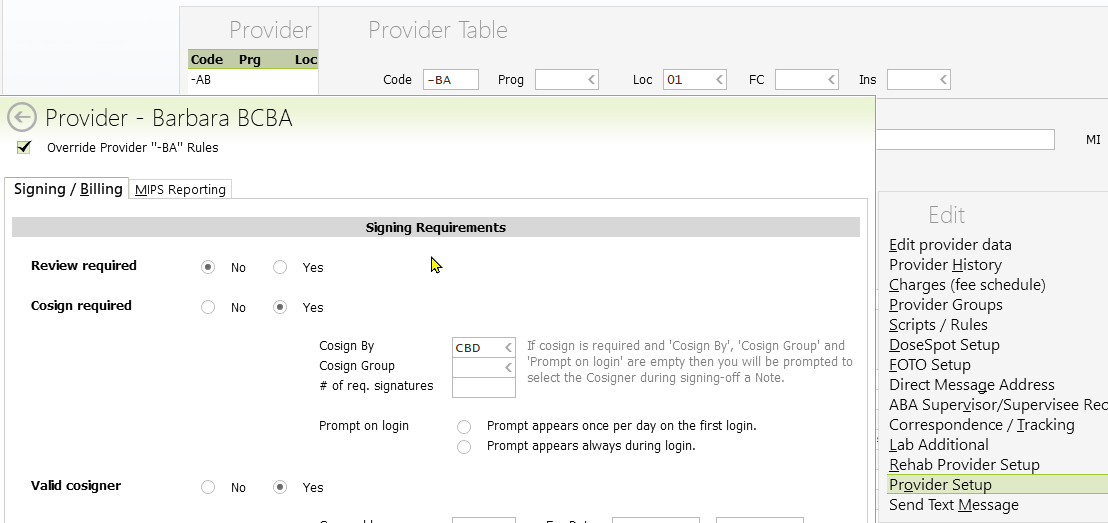
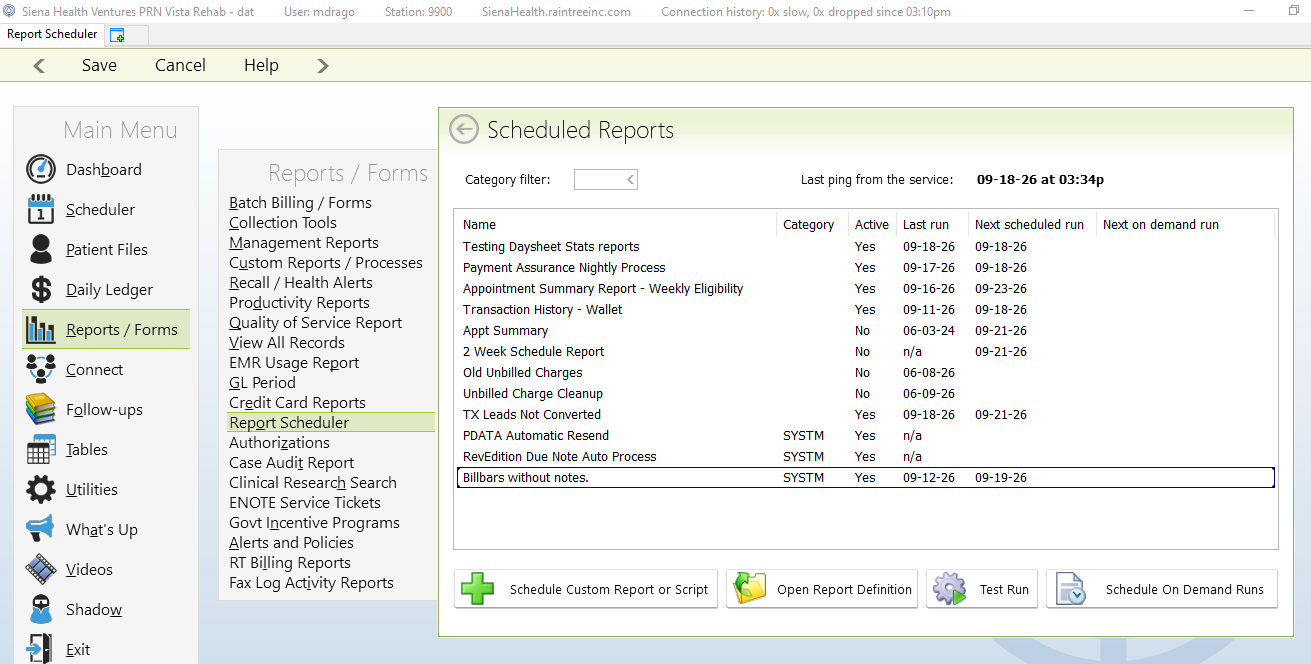
Supporting screenshots from the corrected Detailed Transformation Assessment.
Source
Detailed Transformation Assessment (Corrected)Related opportunities
Related by workstream and subject matter. These are not stated dependencies unless the assessment says so.